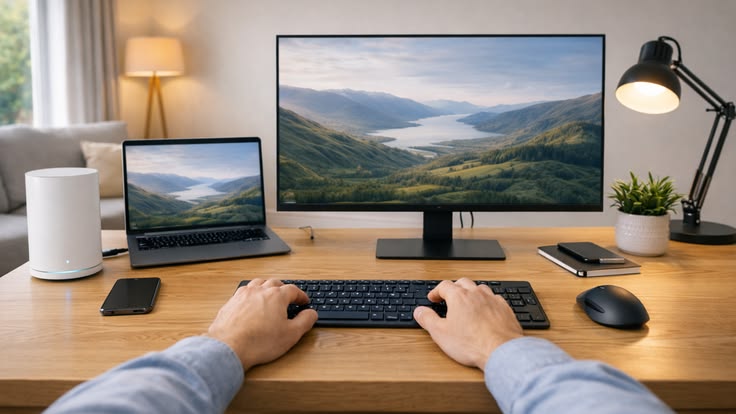
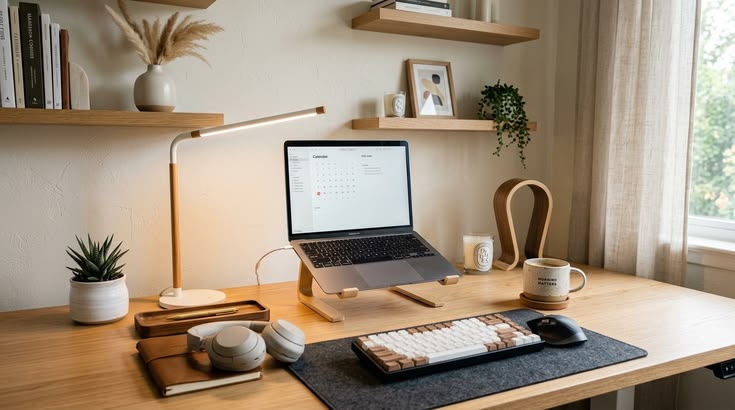
A well-designed home office setup does not have to cost a fortune. Whether you work remotely every day, study from home, run a small business, or simply need a quiet place for occasional tasks, the right combination of furniture, technology and organisation can make a noticeable difference. A productive workspace is less about buying expensive equipment and more about choosing home office essentials that match your needs.
From a simple desk-and-laptop arrangement to a fully equipped professional workstation, you can build a comfortable work from home setup at almost any budget. The key is to prioritise ergonomics, lighting, organisation and the equipment you use most.
What Makes a Good Home Office Setup?
A productive workspace should support comfortable working while reducing unnecessary distractions. Your setup needs enough space for your computer and essential desk accessories, while your chair, screen and lighting should be positioned appropriately for extended periods of work.
Before buying anything, consider the type of work you perform. Someone who mainly answers emails has very different requirements from a designer, programmer, content creator or video-call-heavy professional.
Start by identifying:
- How many hours you work at the desk.
- Whether you use a laptop, desktop or both.
- Whether you regularly attend video meetings.
- How much desk space you need.
- Whether you need a second monitor.
- How much storage is required.
- Whether the workspace needs to fit into a bedroom or shared room.
This simple assessment prevents unnecessary spending and helps you build your home office setup around actual requirements.
Build a Home Office Setup on a Small Budget
You don’t need a dedicated office or expensive furniture to create an effective workspace. A stable office desk, comfortable chair and existing laptop can provide the foundation.
If you’re starting from scratch, concentrate your initial budget on the items that affect your comfort most. Decorative accessories and premium technology can come later.
Affordable Home Office Essentials
A basic setup can include:
- A sturdy desk or suitable existing table.
- A supportive chair.
- Your existing laptop or computer.
- A desk lamp.
- Basic keyboard and mouse.
- Headphones or earbuds.
- A simple cable organiser.
If space is limited, choose a compact desk with enough depth for your laptop and accessories. Avoid buying an oversized desk simply because it looks impressive; the available room should determine the dimensions.
Spend More on Your Chair and Desk
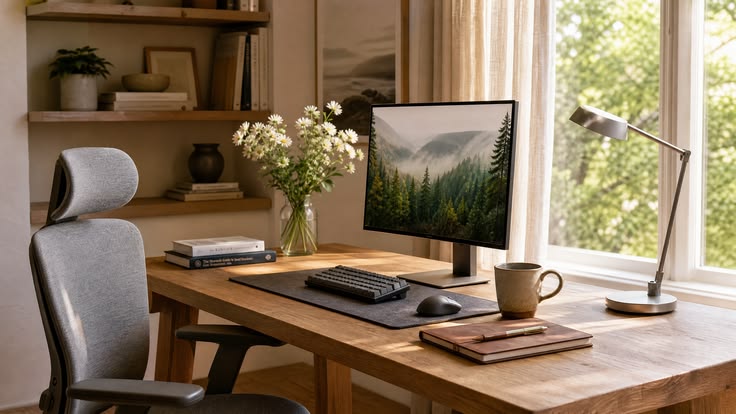
The chair is one of the most important investments in a work from home setup because you may spend several hours sitting in it. A chair should allow you to sit comfortably while keeping your working position reasonably supported.
An ergonomic chair with adjustable features can be particularly useful if you work at home regularly. Look for adjustability rather than focusing solely on appearance.
Useful features can include:
- Adjustable seat height.
- Suitable seat depth.
- Supportive backrest.
- Adjustable armrests.
- Stable five-point base.
- Breathable or comfortable upholstery.
Your desk also matters. It should provide enough working surface without forcing your monitor or laptop into an awkward position.
Upgrade Your Monitor for Better Productivity
A laptop alone can work perfectly well for many people, but a separate monitor can make multitasking easier. A larger screen allows you to keep documents, communication platforms and browser windows visible without constantly switching between them.
For office work, spreadsheets and research-heavy tasks, screen size and resolution can be more important than having the highest refresh rate.
When choosing a monitor, consider:
- Screen size and resolution.
- Adjustable height or VESA compatibility.
- Connectivity with your laptop.
- Display quality.
- Single versus dual-monitor requirements.
- Available desk space.
If your work involves comparing information across multiple applications, adding a second display can be a meaningful productivity upgrade.
Improve Lighting in Your Home Office Setup
Lighting is often overlooked when creating a home office setup, yet it can affect comfort and the overall working environment. Natural light is useful during the day, but relying entirely on a window can create glare or inconsistent illumination.
Position your desk so that daylight doesn’t shine directly onto the screen. A desk lamp can then provide additional illumination when natural light decreases.
A practical lighting arrangement includes:
- Natural daylight where possible.
- A desk lamp for focused work.
- Even room lighting.
- Minimal screen glare.
- Adjustable lighting for different times of day.
For people working in different locations around the UK or elsewhere, seasonal daylight changes can make adjustable artificial lighting particularly useful.
Add a Webcam and Audio Equipment
If your work involves regular video conferences, a good webcam and reliable audio equipment can improve communication. Many modern laptops already include cameras and microphones, so upgrading should only be a priority if the built-in equipment doesn’t meet your needs.
A dedicated webcam can be useful when you want better image quality or more flexible camera positioning. Similarly, headphones can reduce background noise and make meetings easier to follow.
Consider upgrading to:
- External webcam.
- USB microphone.
- Noise-isolating headphones.
- Small desktop speakers.
- Headset with an integrated microphone.
You don’t need all of these. Choose according to how frequently you participate in online meetings.
Organise Your Desk With Cable Management
A messy desk can make even expensive equipment feel difficult to use. Cable management is one of the cheapest improvements you can make.
Start by identifying which cables you actually need. Then group them together and route them away from your main working area.
Simple solutions include:
- Velcro cable ties.
- Cable clips.
- Under-desk cable trays.
- Charging stations.
- Cable sleeves.
- Labelled power cables.
Keeping chargers and cables organised also makes cleaning easier and reduces the chance of accidentally pulling equipment from the desk.
Choose Desk Accessories That Actually Help
Not every accessory improves productivity. A useful accessory should solve a specific problem rather than simply occupy space.
Consider adding:
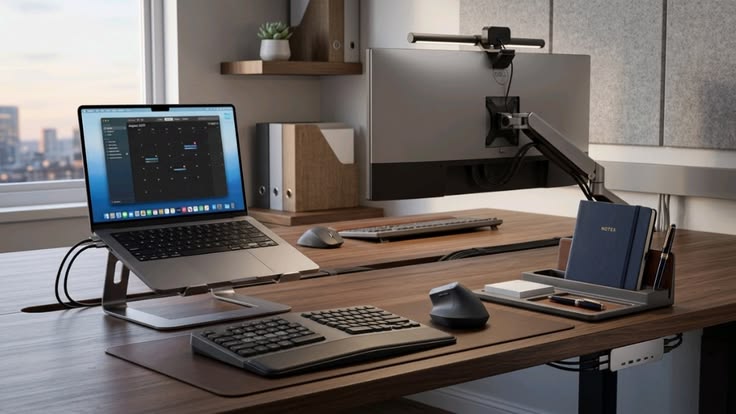
- Laptop stand.
- External keyboard.
- Ergonomic mouse.
- Desk mat.
- Monitor stand.
- Document holder.
- Headphone stand.
- Small desk organiser.
A laptop stand can be particularly useful when paired with an external keyboard and mouse because it allows the screen to be positioned separately from your hands.
Home Office Setup Upgrades by Budget
You can gradually improve your workspace rather than purchasing everything at once.
Budget Setup
Focus on:
- Existing laptop or computer.
- Basic desk.
- Comfortable chair.
- Desk lamp.
- Keyboard and mouse.
- Simple cable management.
Mid-Range Setup
Add:
- Ergonomic chair.
- Dedicated monitor.
- Laptop stand.
- Better lighting.
- Quality headphones.
- Improved desk organisation.
Premium Setup
Consider:
- High-quality adjustable desk.
- Premium ergonomic chair.
- Dual-monitor arrangement.
- Dedicated webcam and microphone.
- Advanced cable management.
- Professional task lighting.
- Additional storage.
This approach allows you to invest according to your priorities rather than spending heavily on features you may never use.
FAQs About Home Office Setup
1. What do I need for a basic home office setup?
A basic setup requires a stable desk, comfortable chair, computer, suitable lighting and essential accessories such as a keyboard, mouse and cable organiser.
2. Is an ergonomic chair worth buying?
Yes, particularly if you work from home for several hours a day. Adjustable features can help you create a more comfortable workstation.
3. Do I need a second monitor for working from home?
Not necessarily. However, a second monitor can make multitasking, research, spreadsheets and content-related work more convenient.
4. How can I create a home office on a small budget?
Start with your existing computer and table, then prioritise a comfortable chair, suitable lighting and basic organisation. Upgrade equipment gradually.
5. How can I keep my home office desk organised?
Use cable ties, cable clips, trays and small organisers to keep equipment under control. Keep only frequently used items on the main desk surface.
Conclusion: Build a Home Office That Works for You
A productive home office setup doesn’t depend on having the most expensive desk, monitor or accessories. What matters is creating a workspace that supports your specific routine and keeps essential equipment comfortable, organised and easy to access.
Start with the fundamentals: a suitable office desk, supportive chair, reliable computer and good lighting. From there, add a monitor, webcam, ergonomic accessories, cable management and productivity tools as your needs and budget grow.
Whether you’re creating a compact workspace in a UK flat or designing a dedicated home office, thoughtful upgrades can make your work from home setup more comfortable and efficient.
Ready to upgrade your workspace? Explore home office essentials and build a setup that fits your budget, space and working style.